 English
 العربية
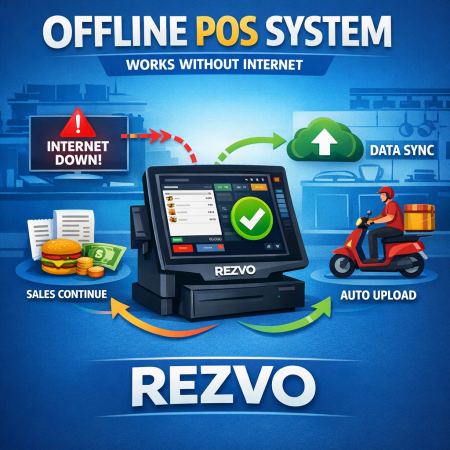
Introduction to POS
Introduction to POSOrder type needs to be selected before selecting item:Using this feature you can select your order type when selecting an item to add to the cart. Some do not li... More Details

Introduction to POSOrder type needs to be selected before selecting item:Using this feature you can select your order type when selecting an item to add to the cart. Some do not li... More Details
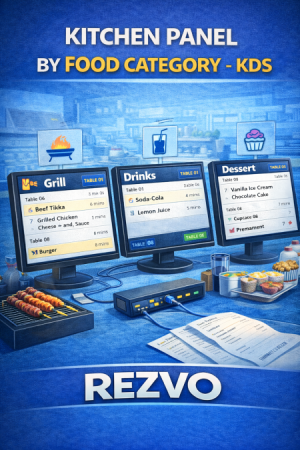
Kitchen PanelThis system supports food category wise multiple kitchen panels and also panel will tab supported (1280x800px).Go to "Panel" from the left menu then click "Add Kitche... More Details
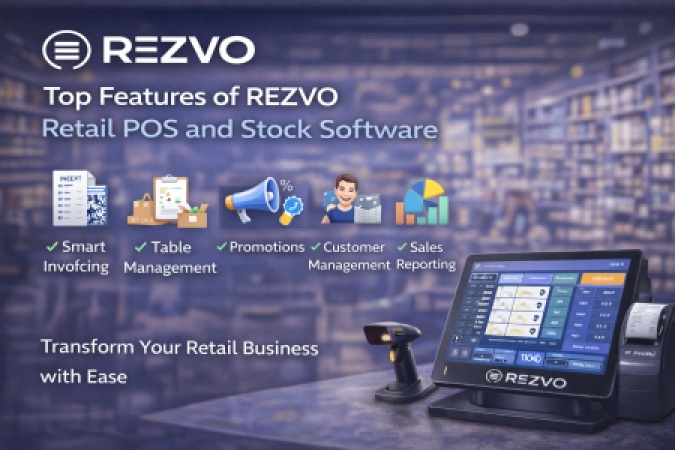
📌 RΞZVO – POS RetailA complete Point of Sale and Inventory Management system that helps you manage everything in your business with ease and professionalism 💼🔥The monthly subscript... More Details
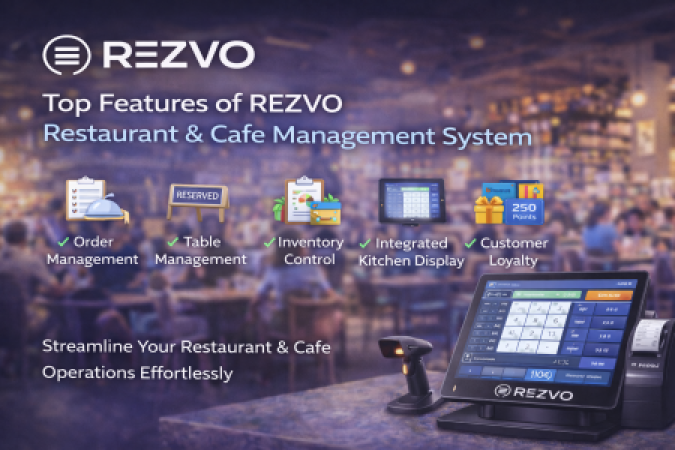
🚀 ⓇⒺⓏⓋⓄA Complete System for Managing Restaurants, Cafés, Juice Shops, and BakeriesREZVO is a smart and modern system for managing restaurants and cafés. It gives you full control ... More Details
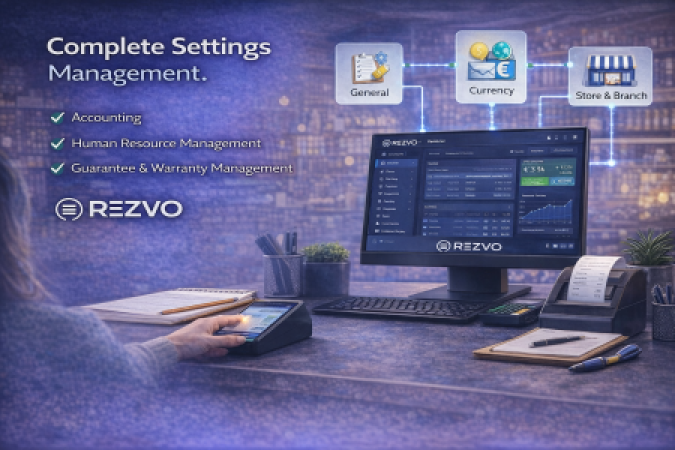
SettingsYou will need to set up your software settings first as per your need. To do so, please follow the below steps.Go to "Settings" from the left menu, and then click on "Sett... More Details
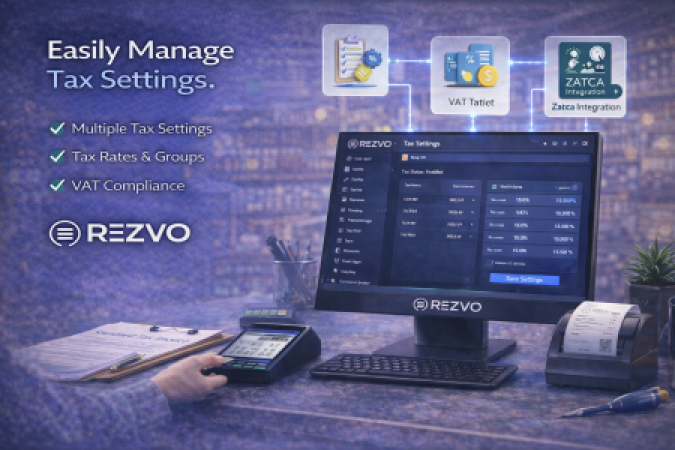
Tax SettingThe tax system of this software works like you can have multiple fields of taxes. You can add all of those fields in your Tax Setting along with their rate. And later al... More Details